
What's included in this month's insider?
As workloads grow and pressure builds, it’s easy for small but vital cyber security habits to slip through the cracks. This month, we’re shining a light on how burnout and busy schedules can quietly open the door to risk and what you can do to stay one step ahead.
Here’s what’s inside:
- Hidden cyber security risk – Why burnout could be your biggest threat
- Did you know? – Even Elmo needs cyber security training
- Hocus Focus – A behind-the-scenes look at our office murder mystery
- Technology update – Hotpatching now available in Windows Autopatch
- Quick IT tip – Keyboard shortcuts that actually save time
- Client feedback of the month – You vote, they win
- New to Microsoft – More control over built-in apps
- 5 cyber scams to watch out for – How criminals exploit busy teams
- Engineer insight – What Ryan wishes every business knew about IT security
Got a question about any of these? We’re only ever a quick message away.
Time to rethink your phishing training?
If we’re going to be honest, a lot of phishing training doesn’t really work.
Once a year, everyone in the business sits through an online cyber security course. They click through a few slides about “spotting suspicious emails”, and tick the “complete” box.
Then life goes back to normal.
The problem?
Cyber criminals haven’t gone back to normal.
In fact, phishing, where a scammer tricks you into clicking a link or giving away details like passwords or bank information, still accounts for around 15% of all data breaches.
So even though awareness is higher than ever, the number of successful attacks keeps rising.
That’s because the traditional approach to training isn’t changing people’s behaviour.
It’s easy to click through a course without taking it in. And when you’re busy, it’s even easier to fall for a realistic-looking email.
Most people don’t learn best from annual lectures. They learn from experiences that feel real, relevant, and ongoing.
That’s why phishing training needs a rethink.
Instead of once-a-year box ticking, businesses need regular, bite-sized, and engaging learning that sticks. Think of it more like brushing your teeth than going to the dentist: A little, often, and part of your everyday routine.
Modern phishing training works best when it’s built into company culture. Employees need to feel comfortable reporting suspicious emails, without fear of blame, and know exactly what steps to take if something looks off.
Training should be interactive, fun, and even a bit competitive. Gamified tools that reward people for spotting phishing attempts are far more effective than dry PowerPoints.
And of course, training should be backed up by solid technology like two-factor authentication (that’s when you need an extra code or approval on your phone to log in). Because even the best-trained people still make mistakes. And you don’t want a single click to bring your whole business down.
So, if your phishing training hasn’t changed in a few years, now’s the time to shake things up. Your people, and your data, deserve better protection.
Did you know...
…data centres could soon leave Earth?
Amazon founder Jeff Bezos has suggested that future data centres, those giant facilities that power AI and cloud computing, could operate in space.
He explained that orbit offers endless solar power, no weather, and ideal conditions for cooling huge AI systems.
Bezos believes that within 20 years, it could be cheaper to run data centres in orbit than on Earth. But imagine the technical challenges of maintaining and repairing computers hundreds of miles above us.
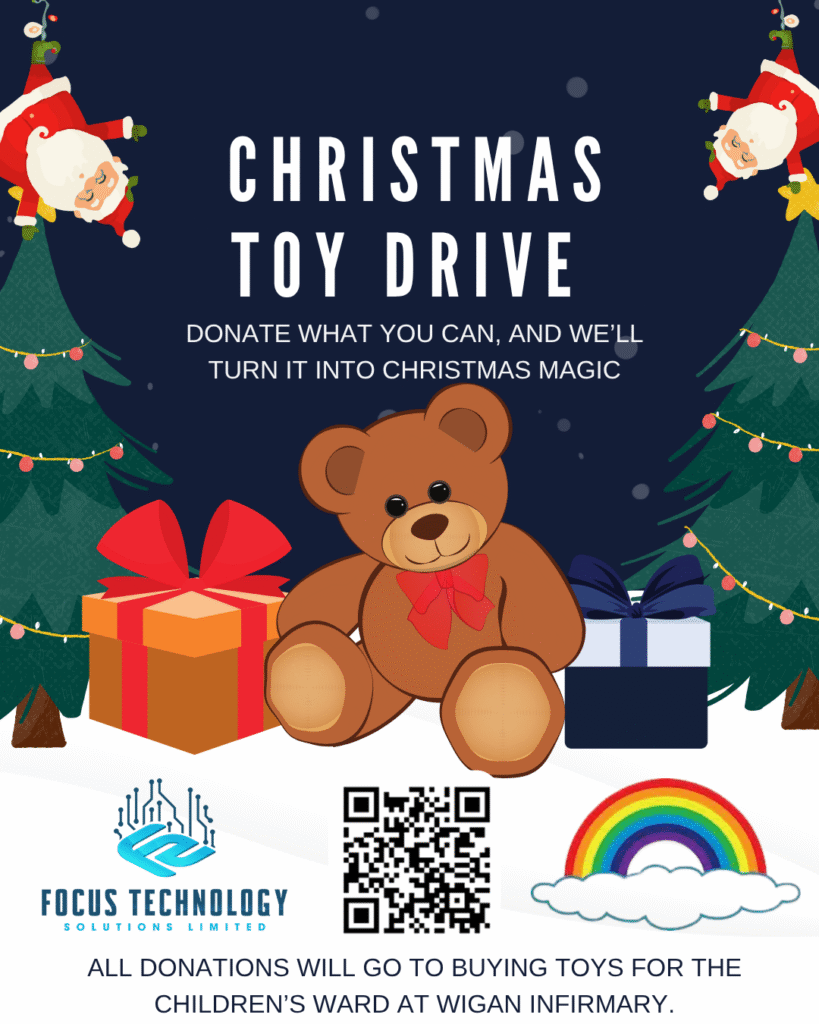
Help Us Support Wigan Infirmary’s Rainbow Ward
This Christmas our team at Focus is doing something a bit different.
Instead of spreading small donations across lots of things, we’re putting all our effort into one project that really matters.
We’re raising money to buy toys for the children on Rainbow Ward at Wigan Infirmary. Some of these children will spend their Christmas in hospital, so we want to bring a bit of joy their way.
We’ll be using every donation to go out and buy toys based on the ward’s needs and guidelines. Every penny goes straight to gifts for the kids.
If you’d like to chip in, here’s the link to our GoFundMe. Anything you give genuinely makes a difference. Even a couple of quid helps us brighten a child’s Christmas.
Thanks for being part of this with us.
Technology update
Windows 11 goes hands-free
Microsoft has announced that Windows 11 is becoming an “Agentic OS”. That means your PC will soon be able to think, plan, and act on your behalf.
It’s powered by Copilot Actions, Voice, and Vision. You’ll be able to tell your computer what to do, and it’ll handle the task. You won’t need to touch the keyboard or even your mouse.
Quick IT Tip: Keyboard Shortcuts You’ll Actually Use
Here are a few hidden gems that can make your daily tasks a whole lot faster:
Windows
- Ctrl + Shift + T – Reopen the last browser tab you accidentally closed (yes, it works in most browsers).
- Windows + Ctrl + Shift + B – Restart your graphics driver instantly if your screen freezes or flickers (no reboot needed).
- Windows + . (period) – Open the emoji and symbol picker anywhere you can type.
- Windows + 1, 2, 3… – Open apps pinned to your taskbar based on their position (Windows + 1 opens the first one, and so on).
Mac
- Command + Shift + . (period) – Show or hide hidden files in Finder.
- Option + Shift + Volume Up/Down – Adjust your volume in smaller, precise steps.
- Control + Command + Space – Open the emoji picker anywhere you can type (great for quick reactions in Teams or Slack).
- Command + L – Highlight the URL bar instantly in your browser to type a new web address or search.
Client Feedback of the Month - You Vote, They Win!
Last month’s winner was Phillip Duffy, with the following comment:
“Quick and efficient resolve.”
Phillip has been recognised for his brilliant work and his commitment to getting issues sorted fast for our clients. A big well done from all of us at Focus.
Now it’s time to choose this month’s winner. Every time we support a client, they get the chance to leave a comment.
We’ve picked three that really stood out, and we’d love your help deciding which one deserves the top spot.
The engineer behind the winning comment gets a little thank you from us, because great service deserves to be recognised.

New To Microsoft
Annotate screens instantly in Windows 11
Taking screenshots on Windows 11 just got a major upgrade.
The handy Win + Shift + S shortcut now includes live annotation, which lets you draw, highlight, or add notes directly on your screen. No need to open Snipping Tool or Paint.
The new Quick Markup bar appears right after you capture an area, giving you instant tools to edit, share, or even send your screenshot to Copilot.
Help your team to bridge the AI gap
A couple of years ago, most of us were just starting to hear about tools like ChatGPT. Now, they’re part of everyday work life.
From writing proposals to analysing data, AI is everywhere. And it’s moving faster than most businesses can keep up.
That’s where the problem lies.
The technology has raced ahead, but people haven’t always had the time or support to catch up.
Many business owners assume “AI training” means hiring experts or sending staff on technical courses. But that’s not really what’s needed.
What matters most right now is helping ordinary employees feel confident using AI tools in their day-to-day jobs.
The truth is, most people learn best by doing. Some of the most successful companies are giving their teams space to experiment, using AI safely inside “sandbox” environments, where nothing mission-critical is at risk.
Others are weaving quick, practical lessons into everyday work systems.
Imagine your team getting little pop-up hints or examples while they’re using a tool, instead of sitting through hours of classroom-style training.
Mindset matters too.
AI can write emails or crunch numbers, but it can’t replace curiosity or creativity. The businesses doing this well are encouraging people to explore, test ideas, and find clever ways to combine human insight with AI speed.
And while it’s tempting to think “we’ll deal with that later”, this skills gap is only going to widen if you wait. The sooner your team gets hands-on, the faster they’ll see how AI can make their jobs easier, not scarier.
So maybe it’s time to rethink what training means.
Less theory, more tinkering. Less pressure to be an expert, more encouragement to just give it a go.
Because when your people are confident using AI, that’s when the real benefits start showing up in productivity, innovation, and a business that’s ready for whatever comes next.
We Asked Our Engineers: “What’s One Thing You Wish Clients Knew?”
This month, Anthony, one of our engineers, said:
“Screenshots. They’re absolute gold.”
A quick screenshot or short screen recording helps us see exactly what you’re seeing. It removes guesswork and lets us diagnose the issue in minutes rather than hours.
A few quick tips that make your support experience even smoother:
- If something looks odd, take a screenshot before it disappears.
- If you can, include the full screen (menus and all).
- A short Loom-style screen recording is even better.
You don’t need to explain it perfectly, we’ll handle the technical bit.